Download our template:
Free Timesheet Template
Quickly track time and complete timesheets with our ready-made templates. Download the templates for free and easily fill in all the information that's needed.
What is a timesheet?
Submitting timesheets can be a dreaded and time-consuming chore, but our ready-made templates make it quick and effortless for payroll, attendance, project reporting, or personal productivity purposes.
We've compiled a basic timesheet template designed to make your life easier. More templates are coming soon!
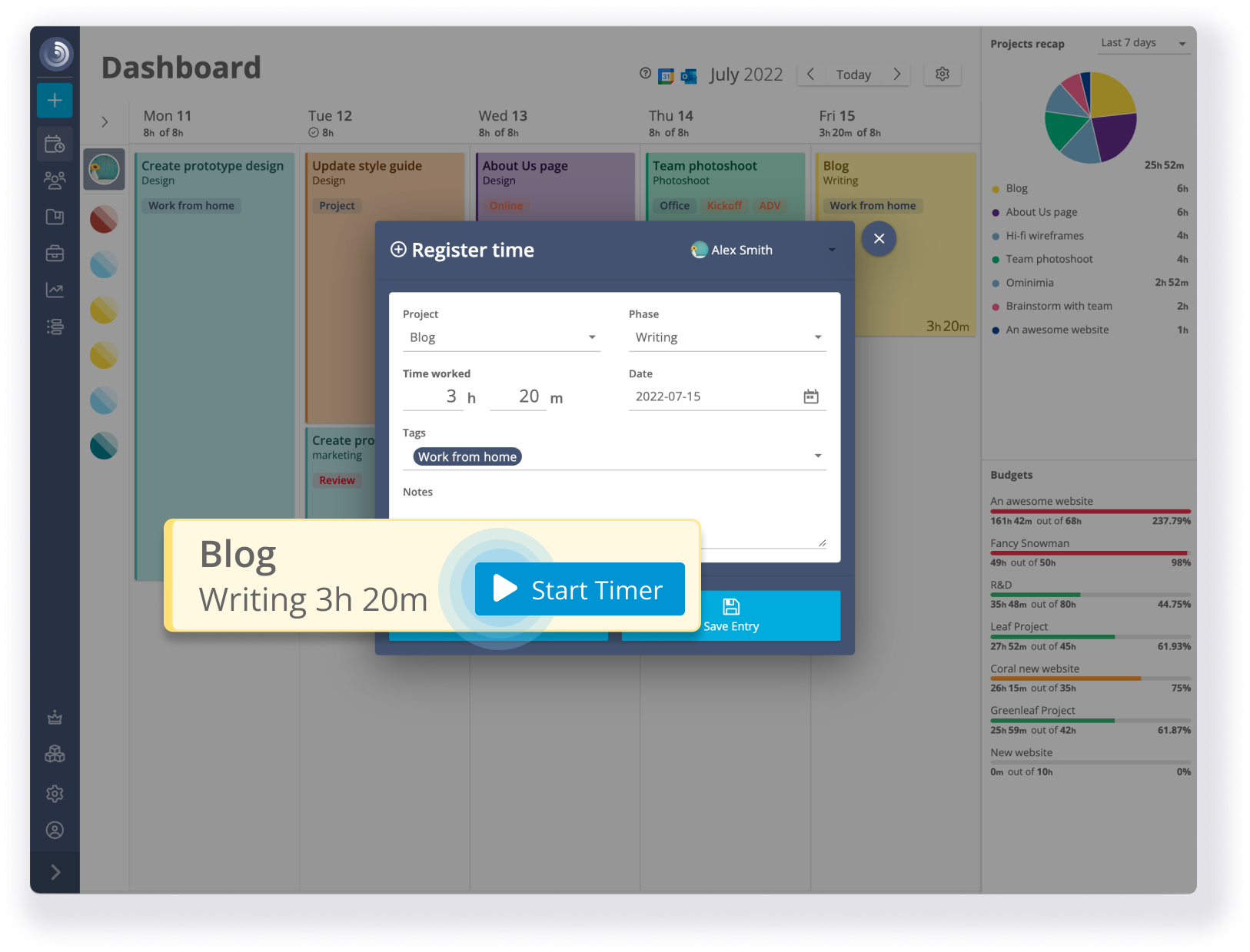
We also developed a time tracking software that reduces and simplifies admin tasks by 25%.
How to use the timesheet templates
Download the free templates and use them in your daily work. The Total column fills automatically as you start entering data in the cells. You can add or modify rows and columns if necessary.
Need a different template? Let us know!
A better way to Track Time
Tired of filling endless spreadsheets to track your time, and chasing late submissions?
We have a better, hassle-free solution for you: Timeneye time tracking simplifies the process and provides you with a stress-free experience.
Track time
Manage your Projects
Increase productivity
Unlock your team's potential
What our customers say
-
“I spent a couple of months researching and testing different software solutions for simple time tracking with automatic calendar events capturing for our team in Europe, and Timeneye turned out to be the best solution we tested. It's simple; it is not filled with hundreds of useless settings and has exactly what you need very quickly..”
Boris K. HEAD OF DIGITAL TRANSFORMATION -
"It works in Windows 10 & Android with very little difference in UI except for project set-up and the automatic save order. Has been surprisingly stable from the beginning on both platforms. Has enough built-in levels to deal with my industry of architecture and phasing of a project."
Kent U. ARCHITEC -
"My daily workflow relies on tracking time spent on tasks registered in third-party services (moved from Trello to Wunderlist, and to then Todoist when Wunderlist was killed by MS). Timeneye provides a very convenient integration with all of these services, and it allows clicking a single button to start/stop time for a particular task."
Victor S. PROJECT PORTFOLIO MANAGER
Free Timesheet Template FAQ
Is there a free timesheet template?
Yes. There are many free timesheet templates available online. For example, Timeneye provides a weekly timesheet template in multiple formats, including Word, Excel, Google Sheets, and PDF, ready to use for personal or professional purposes.
Does Excel have a timesheet template?
Yes. Microsoft Excel offers a variety of built-in templates, including timesheet templates. These can be easily customized to suit different companies, projects, or individual needs.
How do I create a simple timesheet?
Creating a simple timesheet is quick and easy using free templates:
- Download a template from the Timeneye Free Template page.
- Open the file in Excel, Word, or Google Sheets.
- Customize the template to fit your needs:
- Fill in the date field for each day you want to track.
- Enter start and end times, including lunch breaks.
- Fill in overtime and PTO columns if needed.
This method saves time and ensures your timesheet is consistent and professional.
What are the best timesheet apps?
The best timesheet solution depends on the business's needs, industry requirements, and individual needs. Some of the best timesheet apps include: Timeneye that integrates with Microsoft 365 for seamless time and project tracking.
These type of app provide an effective, scalable solutions for time tracking, project tracking, and managing timesheets for teams of all sizes.