The time tracking solution for ambitious businesses
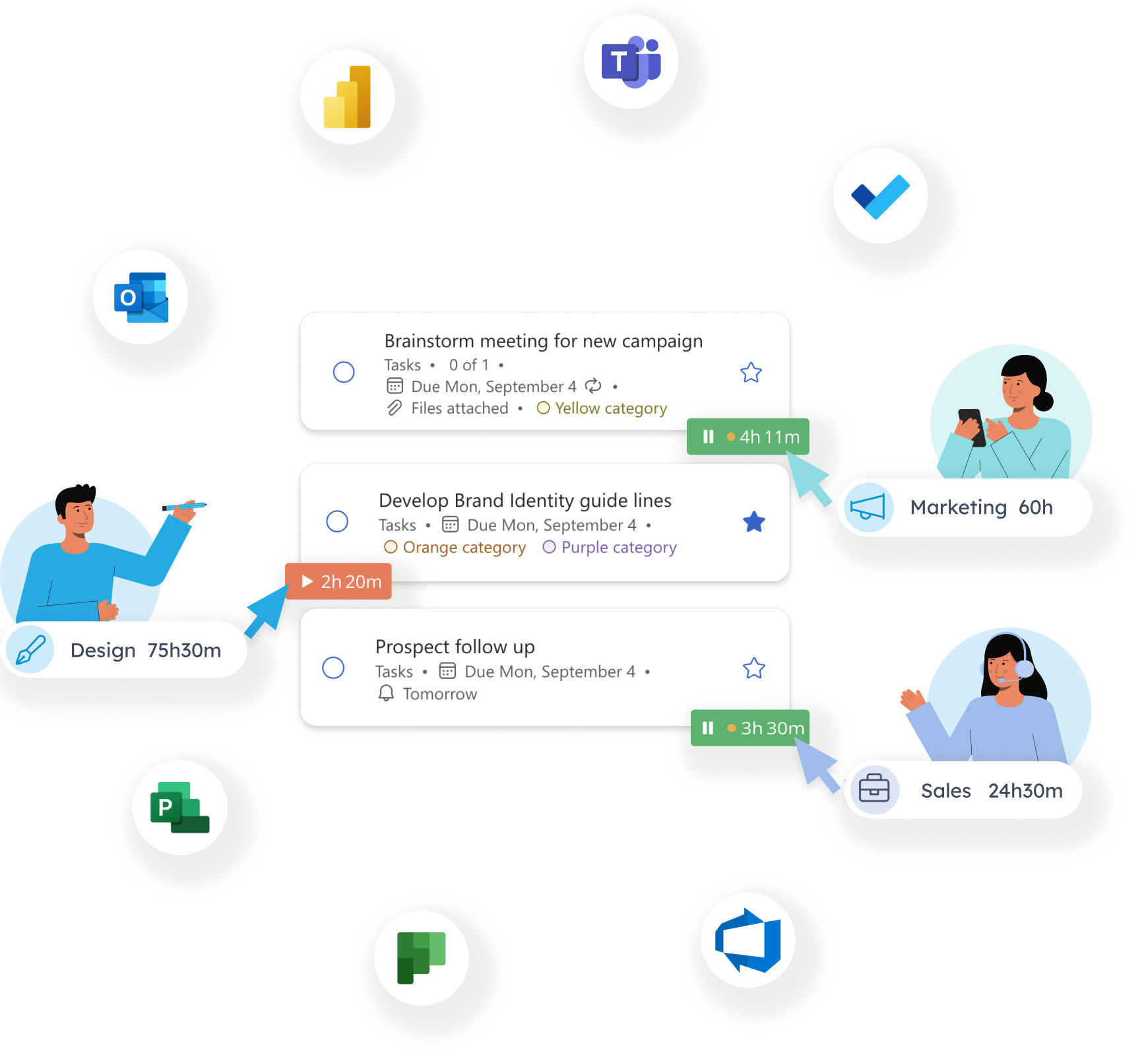
Lucen Track is specifically designed to integrate seamlessly with your Microsoft 365 and effortlessly align with your existing workflow.








-
Microsoft Teams
-
Outlook Calendar
-
Microsoft To Do
-
.png)
Microsoft Planner
-
Microsoft Project
-
Azure DevOps
-
Power BI
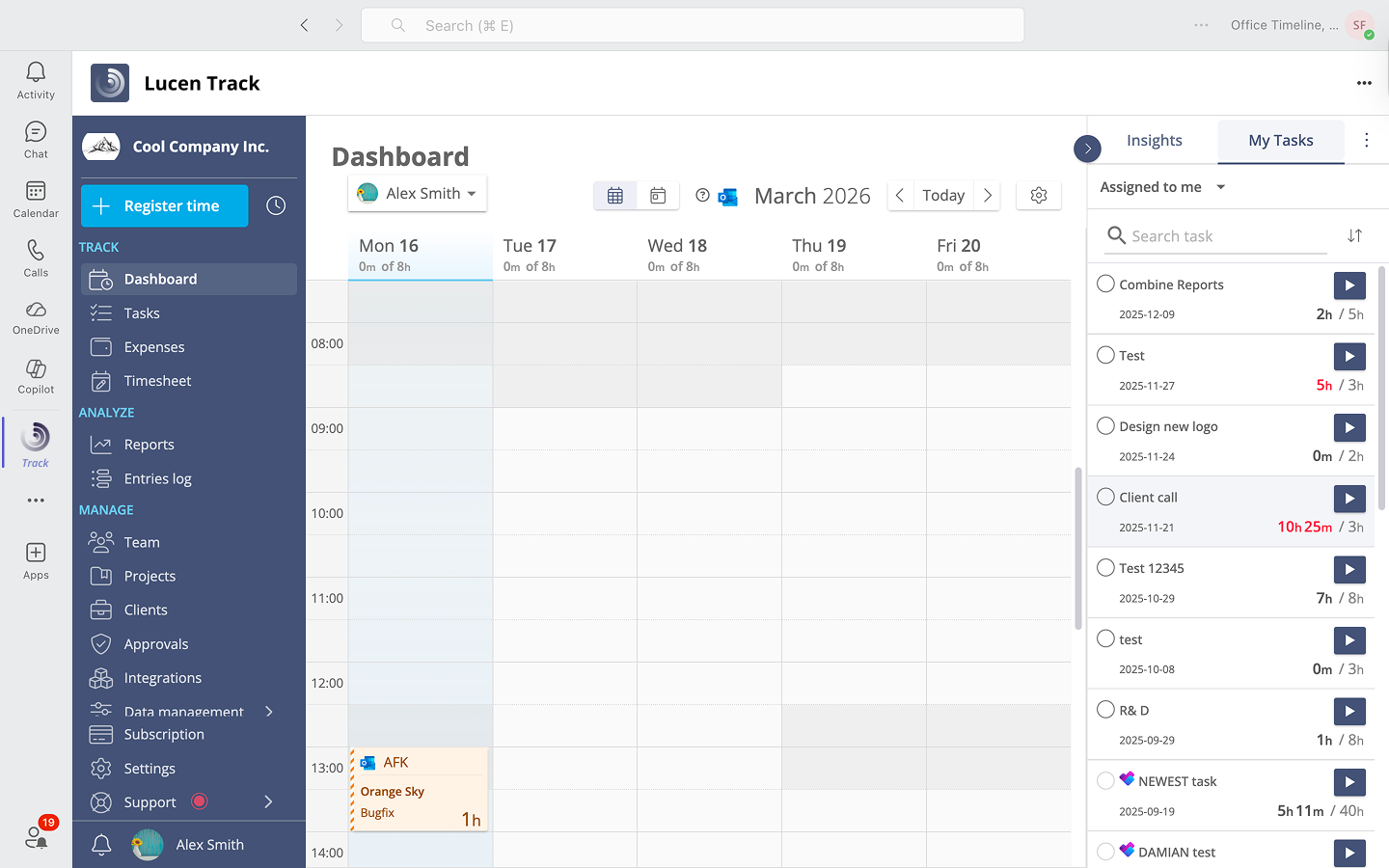
Reach your employees where they are: Microsoft Teams
Track goes beyond individual timesheets by extending its reach to your entire team through Microsoft Teams. Collaborate seamlessly, assign projects, and monitor progress within the familiar Teams interface.
You can find the Track integration directly in your Microsoft Teams desktop app. Automatically add your team members from your Microsoft account, and you are ready to track time directly inside your Microsoft Teams desktop app.
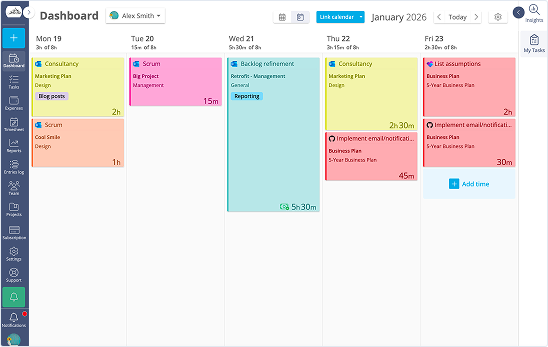
Link Outlook Calendar to your workspace
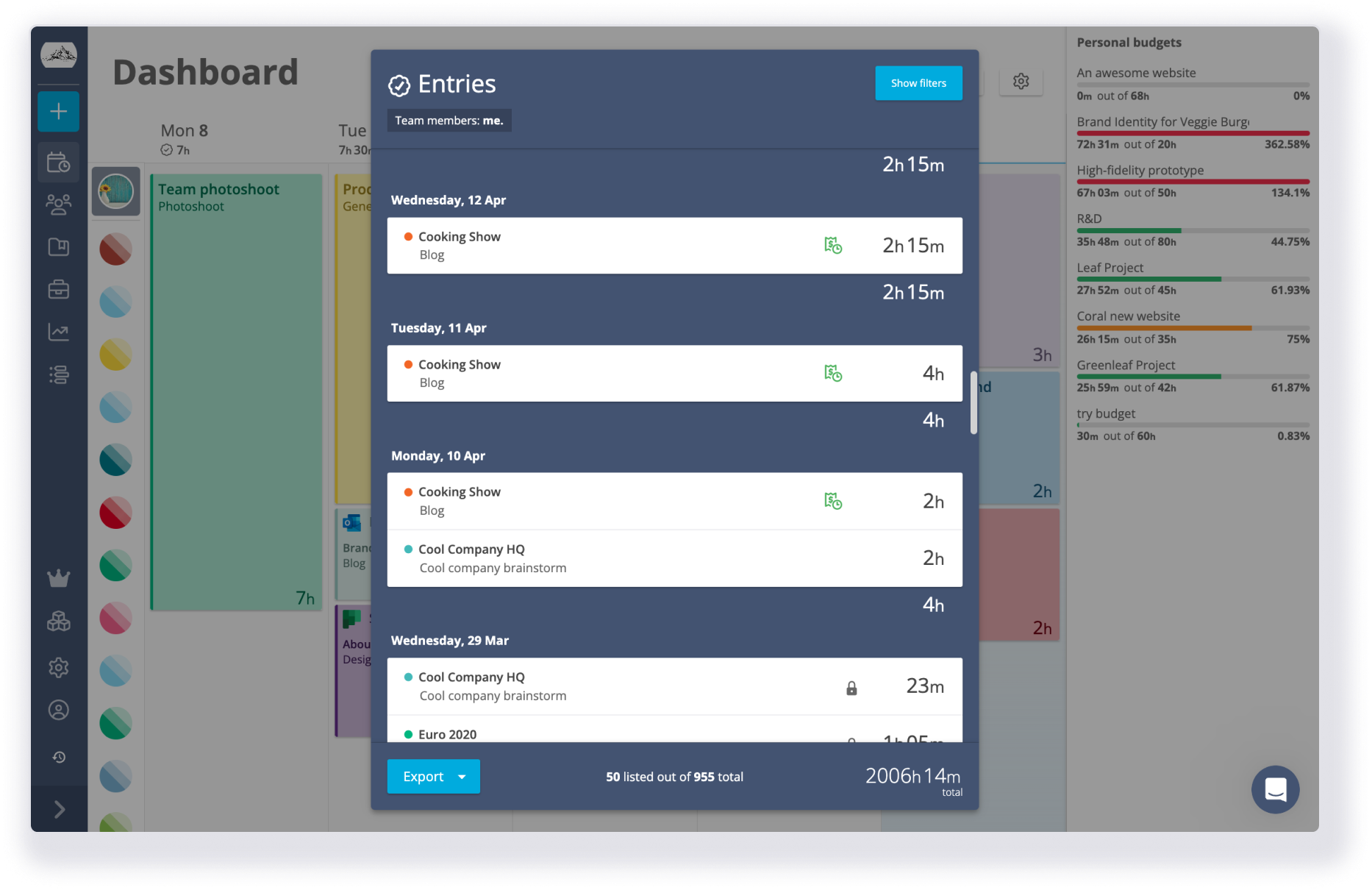
Track makes time tracking efficient and hassle-free by allowing you to import events from your Outlook calendar. Simply sync your calendar with Track, and all your appointments, meetings, and tasks will automatically be added to your Dashboard as time entries. Streamline your workflow, eliminate duplicate data entry, and focus on what truly matters - getting your work done.
This integration also supports Microsoft 365 Calendar events.
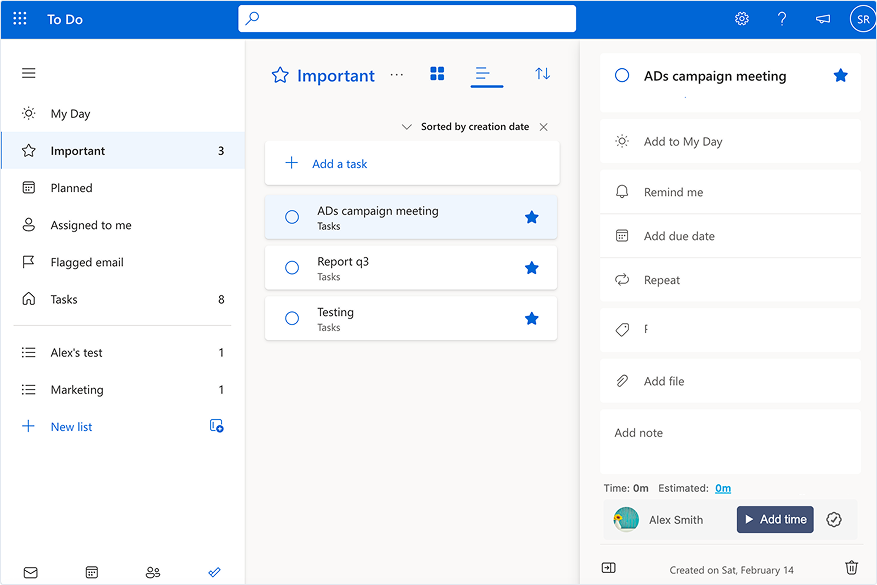
Monitor task progress in Microsoft To Do
Track's integration with Microsoft To Do creates the perfect symbiosis between task management and time tracking.
The Track Browser Widget conveniently places a time tracking button right next to your tasks in Microsoft To Do, allowing you to effortlessly track your time with just a click. Stay focused on what matters most – completing your tasks and meeting deadlines – while Track takes care of accurate time tracking.
Track your tasks in Microsoft Planner
The Track app tracks time spent on tasks directly from the Microsoft Planner web app. Then, it automatically syncs your time entries in your Track workspace, eliminating the need for manual data entry.
See how much time has been spent on each task, identify bottlenecks, and make informed decisions to keep your projects on track. With Track, you'll have full visibility into your team's activities, allowing for better resource allocation and improved collaboration.
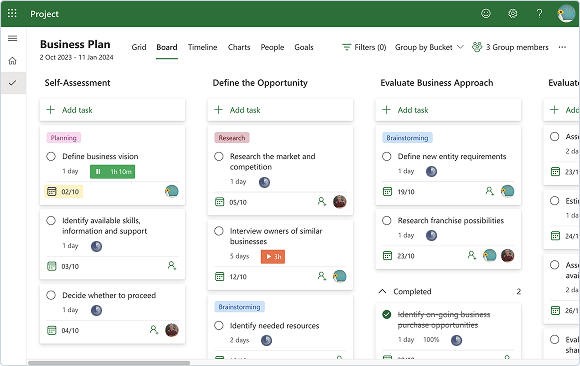
Easily track time on your tasks
Utilize Track's integration with Microsoft Project to effortlessly monitor the time invested in each task.
Our innovative Browser Widget seamlessly incorporates time tracking controls into the Microsoft Project interface, enabling your team to swiftly complete their timesheets with just a few clicks.
Stay focused on what truly matters - efficiently and punctually accomplishing tasks.
.png)
Simplify your workflow in Azure DevOps
With Track's convenient Browser Widget, you can effortlessly track your time from within Azure DevOps. Our intuitive tool allows you to add a time-tracking button next to your items, making it quick and easy to log your hours into your timesheet and stay on top of your tasks.
By combining the power of Azure DevOps with Track's time tracking capabilities, you can streamline your workflow, improve collaboration, and enhance overall productivity.
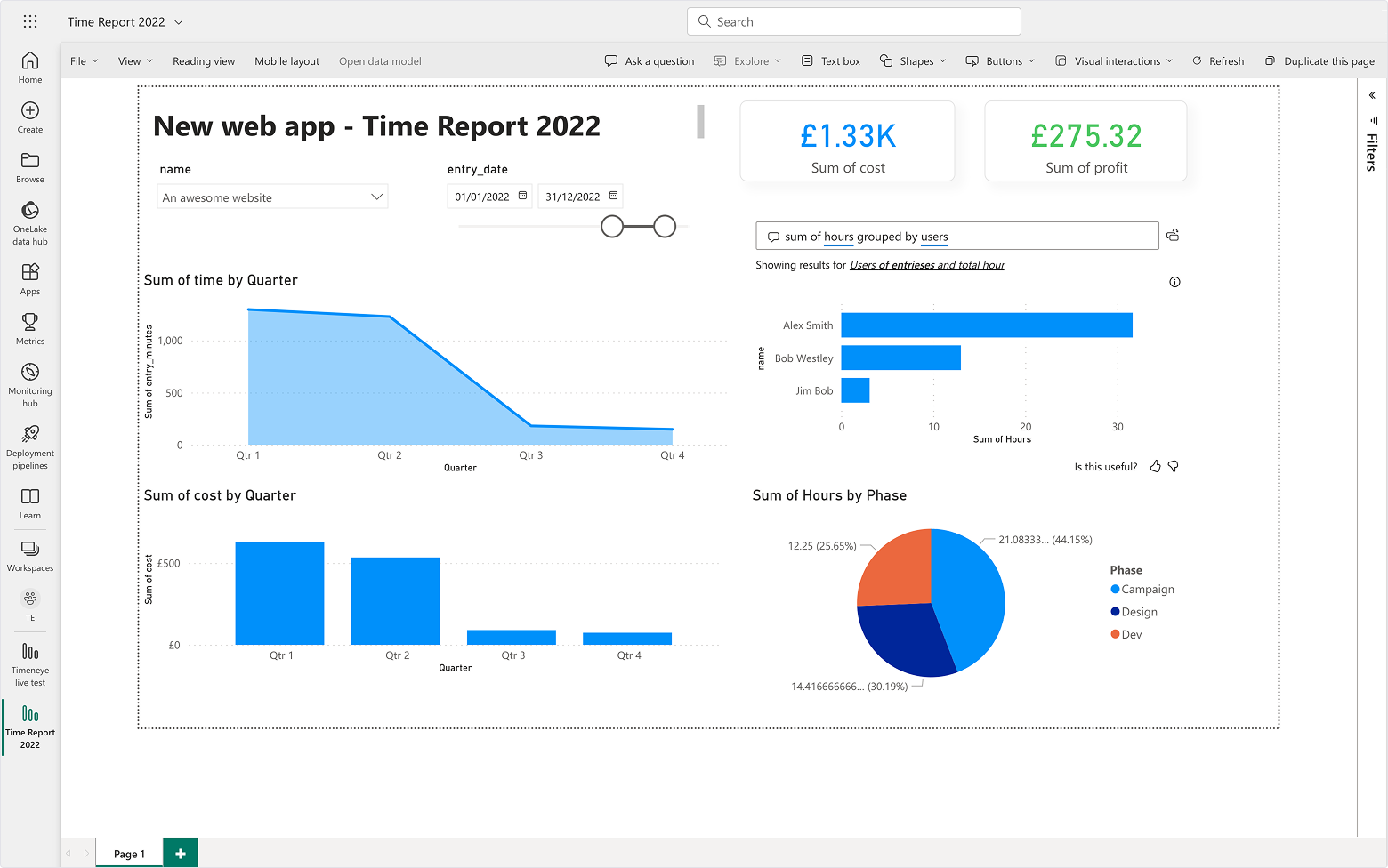
Turn time into insights with Power BI
Track's integration with Power BI allows you to effortlessly transform your time timesheet data into powerful visualizations and detailed analyses.
Gain a deeper understanding of how your team spends their time and identify areas for improvement. With Track and Power BI, you can make data-driven decisions to optimize productivity and drive better results.
.png "easy to deploy (1)")
.png?width=2000&height=1226&name=Hero%20image_Home%20page%20(1).png "Hero image_Home page (1)")
14-day FREE Trial
Recommended for any business size.
Test Track with your team and see if it's the right tool for you. You will have access to all the features and technical support for one month.
-
 Full access to all features
-
Unlimited users, projects and clients
-
Access to online resources and IT support
-
Time limit: 14 days
Contact sales
Get the info you are looking for right now
Whether you are curious about features, a free trial, or request a quote - we are ready to answer all your questions.
-
Get your questions answered within 24 hrs
-
Personal IT support
-
Discuss quotes and plans with our sales team
-
We will show you how to set up your workspace based on your goals
-
Roles & Permissions
-
Hourly Rate & Cost
-
Groups Management
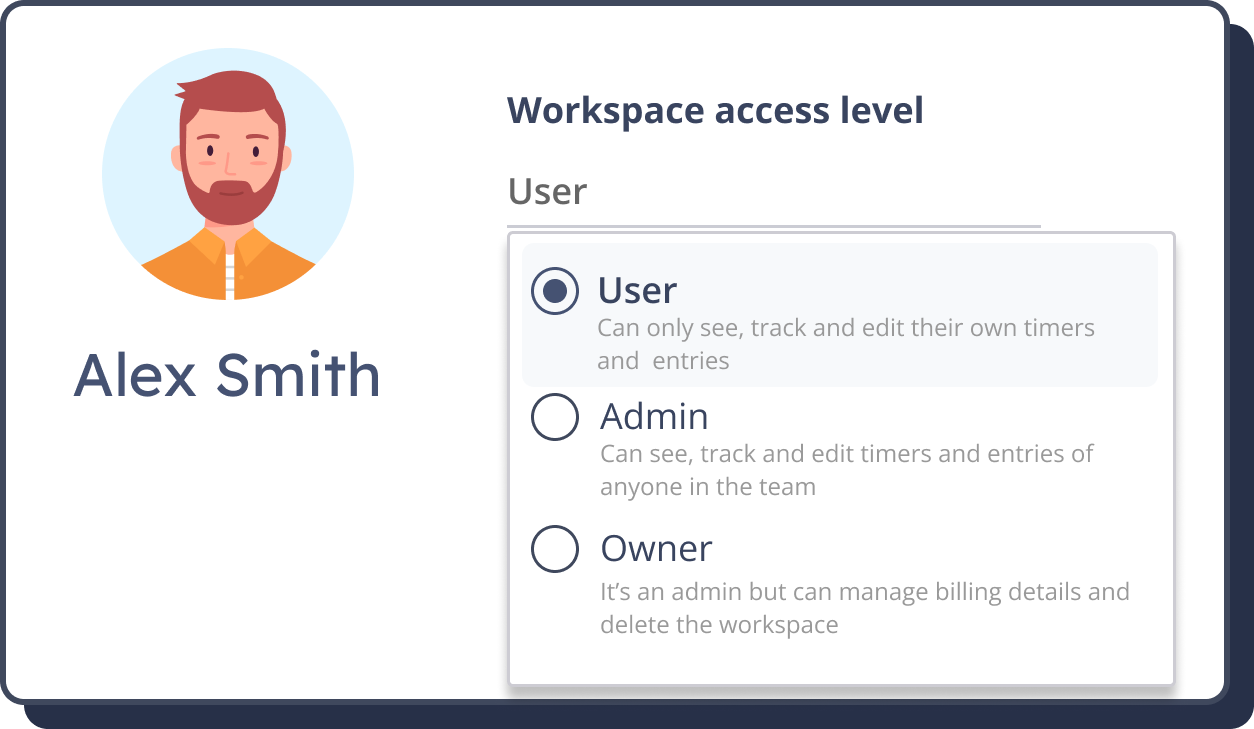
Roles & Permissions
To check the access to features and keep an eye on data, you can set up different levels of permissions and roles for your team members.
This way, you will be able to replicate your company hierarchy structure in the whole Track workspace.
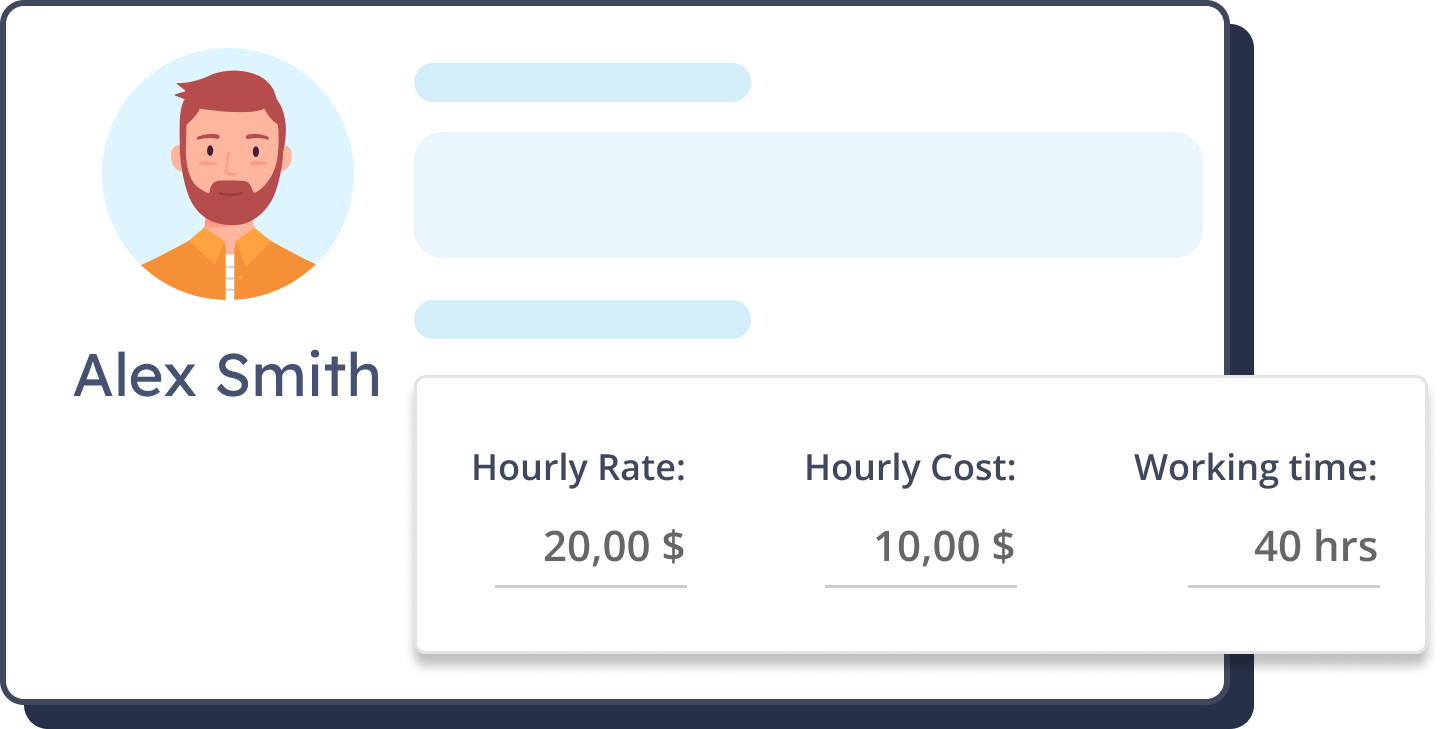
Hourly Rate & Cost
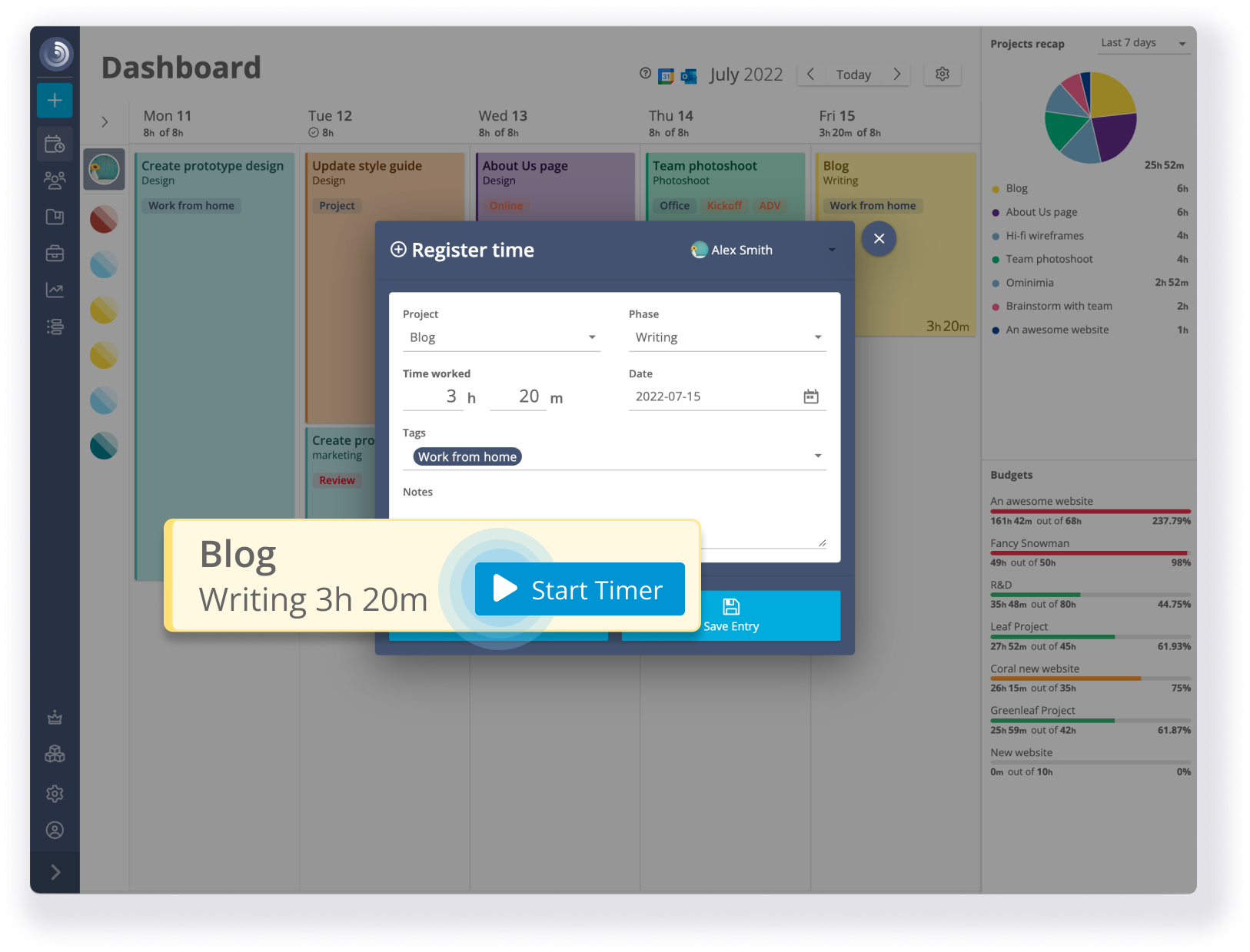
Assign time budgets to each user to quickly provide the maximum expected effort for each employee on a given project.
Once you have access to this kind of data, wouldn’t be easier to give an accurate quote on your next project?
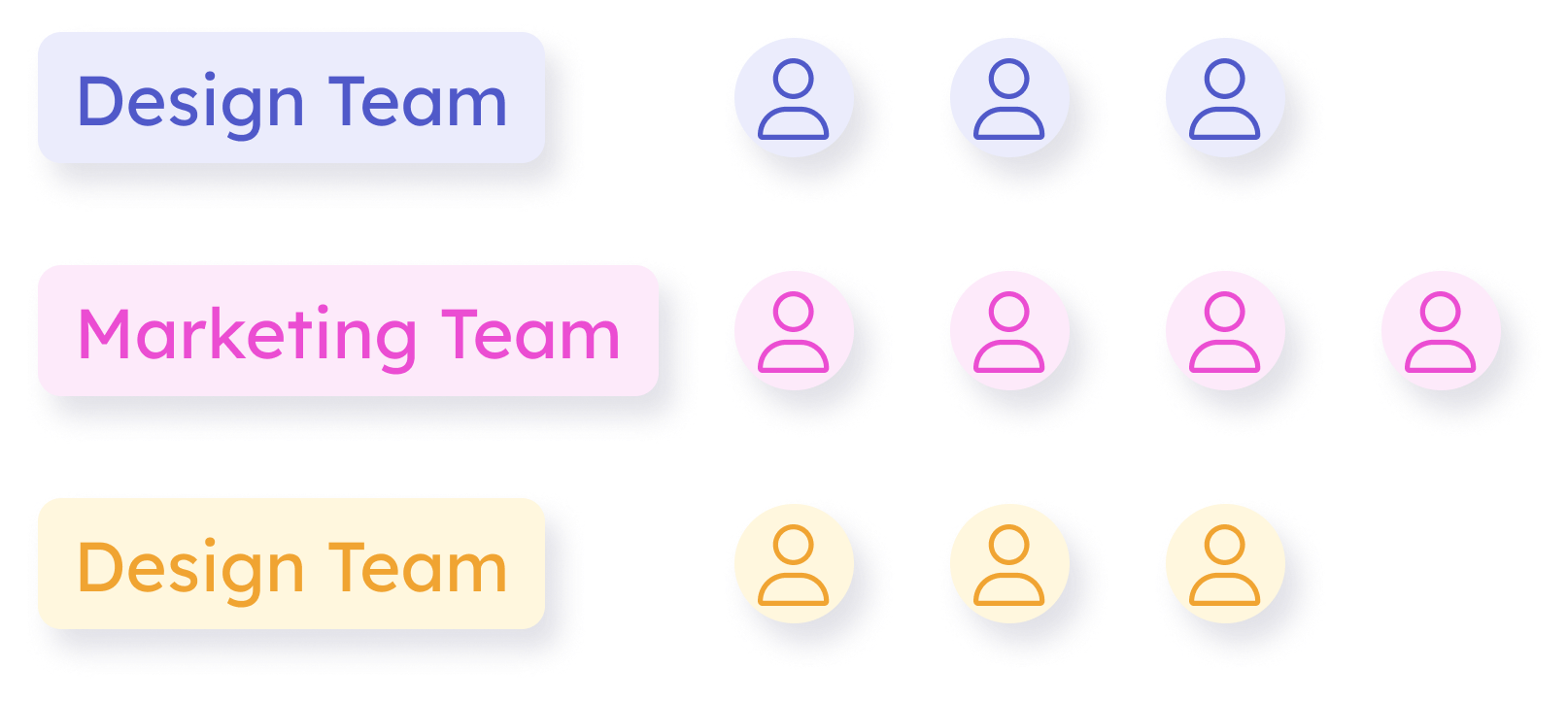
Groups Management
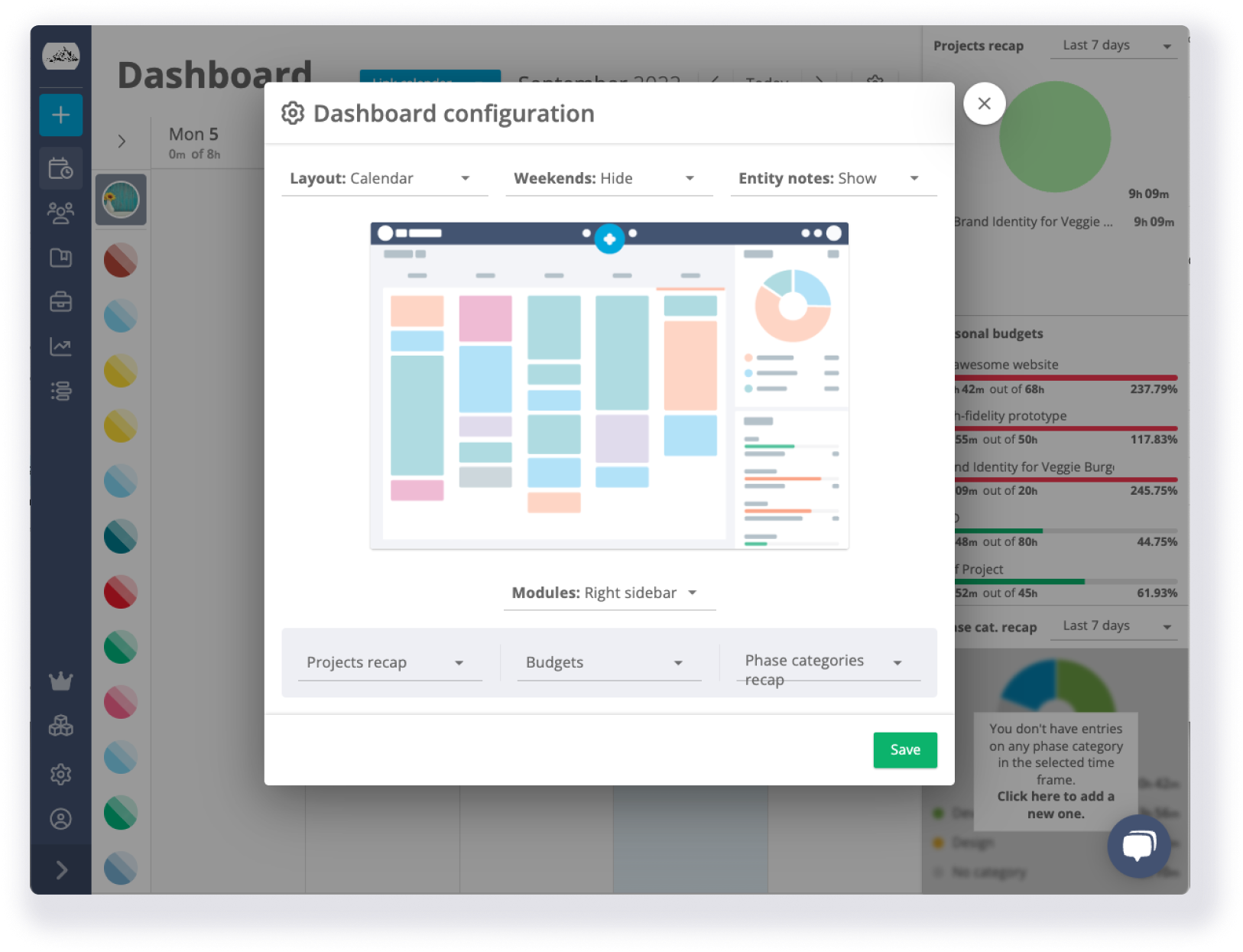
In Track, you can organize your team by setting up Groups to mimic your company architecture.
Thanks to our customizable reports, you can have an overview of your team activity and the breakdown of each department and individual user.
It works wherever you work
100% online & No installation required
Teams scattered all around the world can track time and keep productive with Track. Managers can see the bigger picture whenever they need to.
iOS | Chrome Extension | Android | Edge extension
All the data is saved and accessible on the Cloud so everybody can track time regardless their location.
.png?width=1279&height=784&name=Hero%20image_Home%20page%20(1).png)
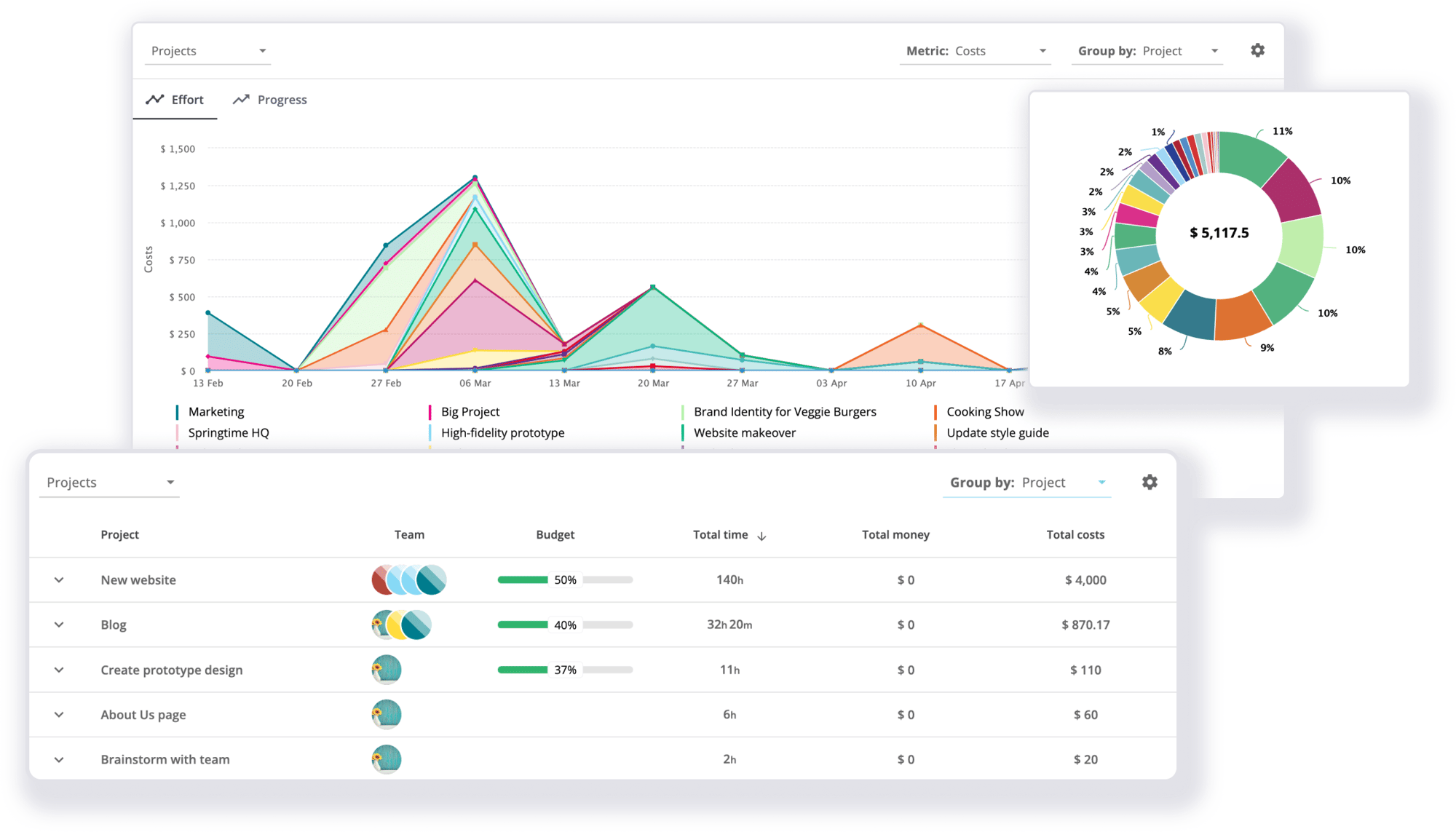
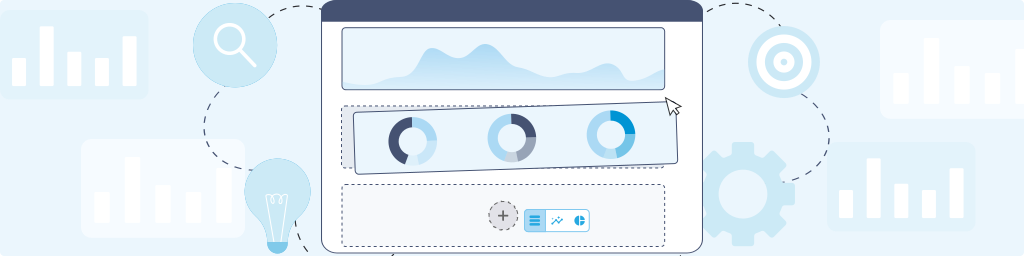
Turn time into insights
Save time by starting your report with a template that meets your needs.
Then, you can build your report using our customizable widgets to display the most relevant data.
You can choose between three types of layouts: table, pie chart, and area chart.
Seamlessly integrated with your favorite tools
Track connects with your favorite tools thanks to its native integrations and the Track Browser extensions.