INTEGRATION

Unlock Powerful Automation for Your Time Tracking

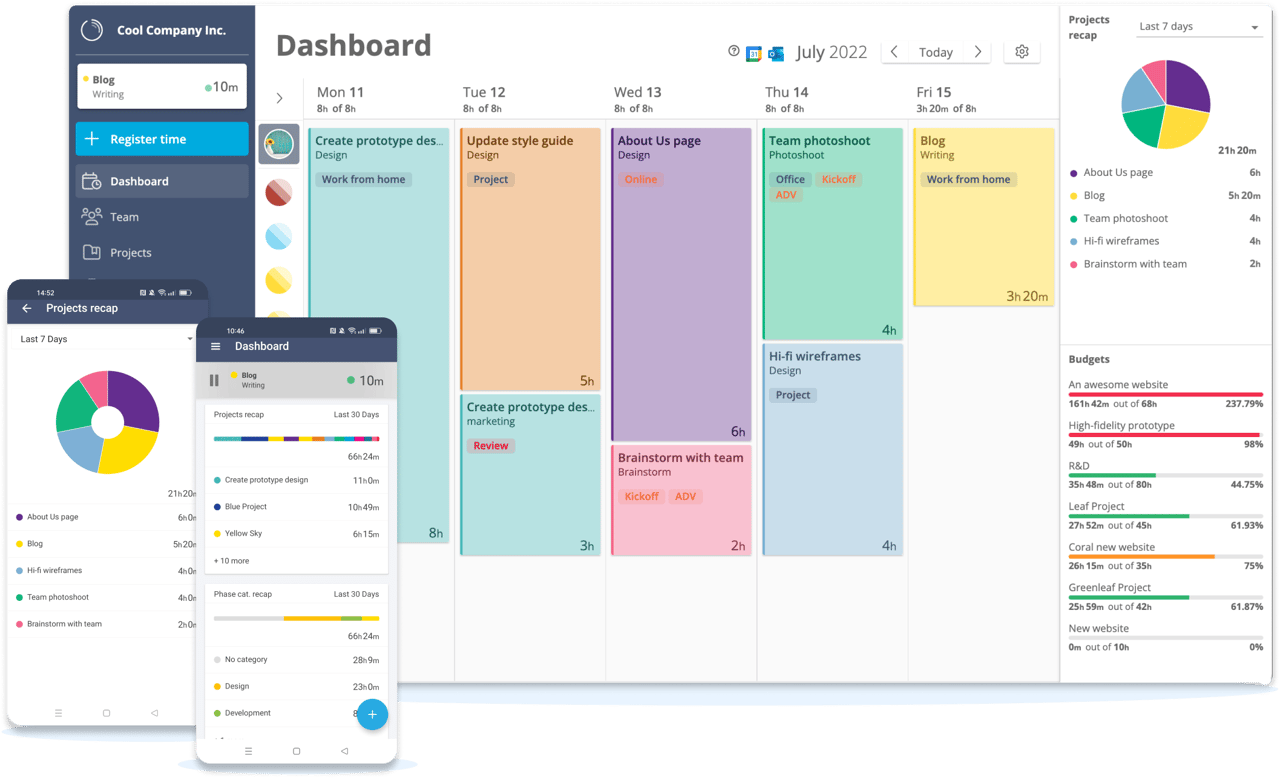
With the Timeneye and Microsoft Power Automate integration, you can create automated workflows that connect Timeneye to all your favorite apps, allowing you to automate time-tracking, project management, and much more.
 
Free for 30 days
No credit card required
1-minute sign-up
 
asana hero image
POWERFUL FEATURES

Here’s all the good stuff

list-check-light _ azure

Create Custom Workflows

Easily design workflows that connect Timeneye with other software, automating tasks such as logging time entries, updating projects, or syncing data across multiple platforms—without needing any code.

users-light Azure

Increase Productivity with Automation

Automate repetitive tasks so that you can focus on higher-value work. Put your work on auto-pilot and achieve more in your day.

chart-mixed-Azure

Build Seamless Integration

Whether you’re using project management tools, CRM systems, or communication platforms, Power Automate lets you connect Timeneye with undreds of apps, ensuring your workflow stays smooth and synchronized.

HOW TO INTEGRATE TIMENEYE

How the Integration Works

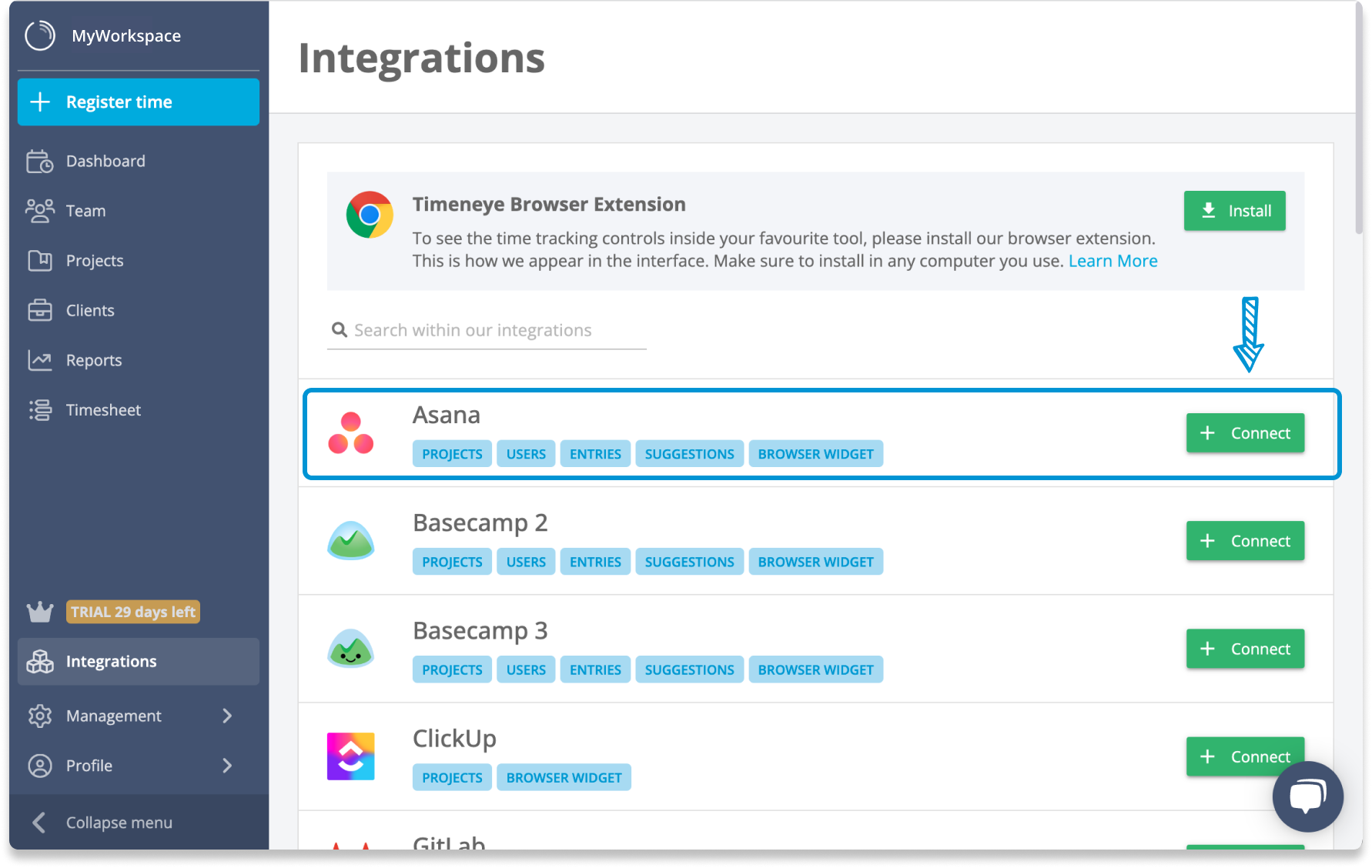
Sign in to Timeneye
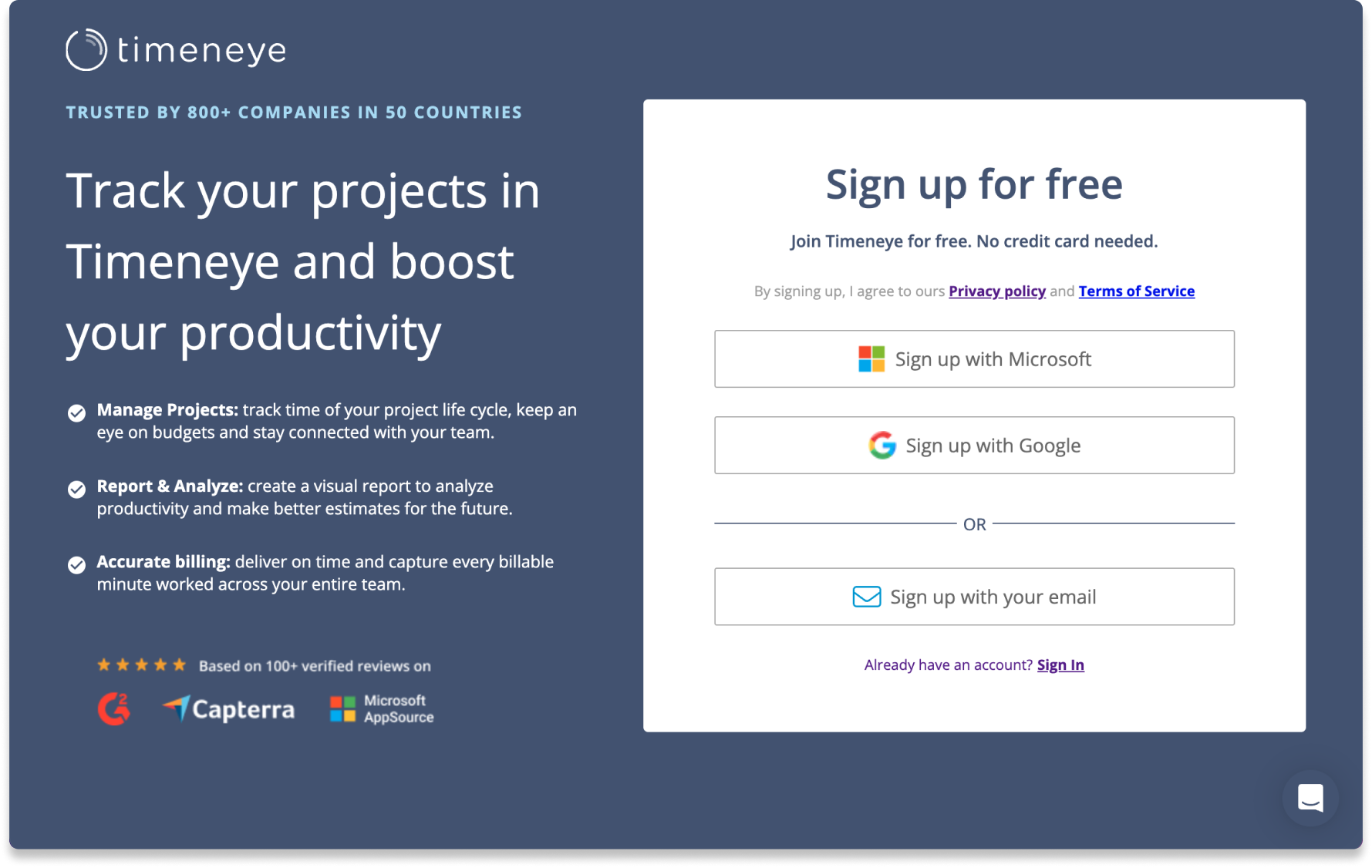
Timeneye sign up

Sign in to Timeneye

Sign into your Timeneye workspace and automatically add your team members from your Microsoft or Google account in one click.


Set up the Timeneye Connector

asana_step 2

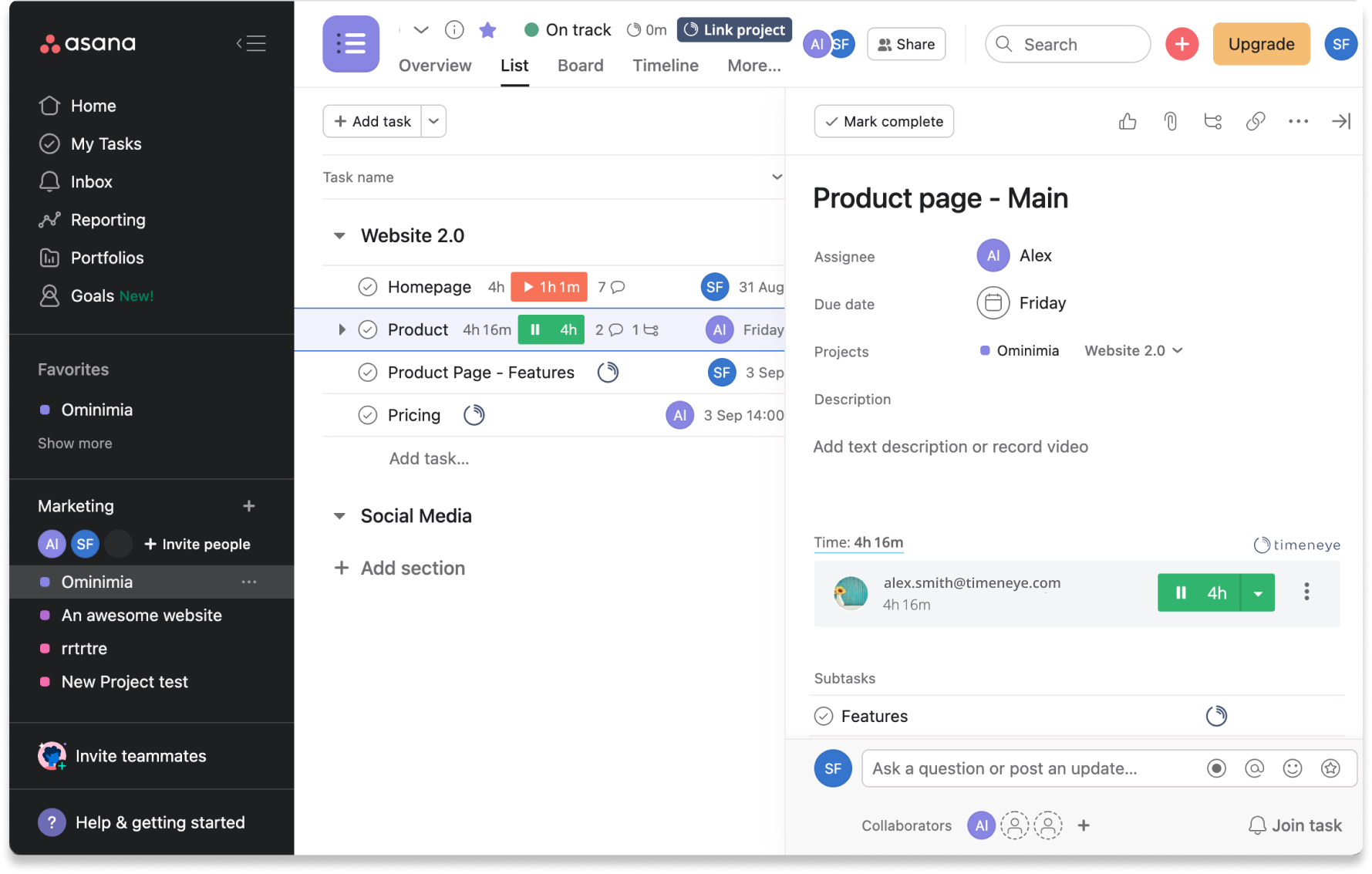
Look for the Timeneye Connector in Power Automate

To start using Timeneye with Microsoft Power Automate, simply navigate to the Power Automate platform, search for the Timeneye connector, and select it. From there, you can choose triggers and actions to design workflows that fit your business needs.


Automate Your Workflows

Asana_step 4-1

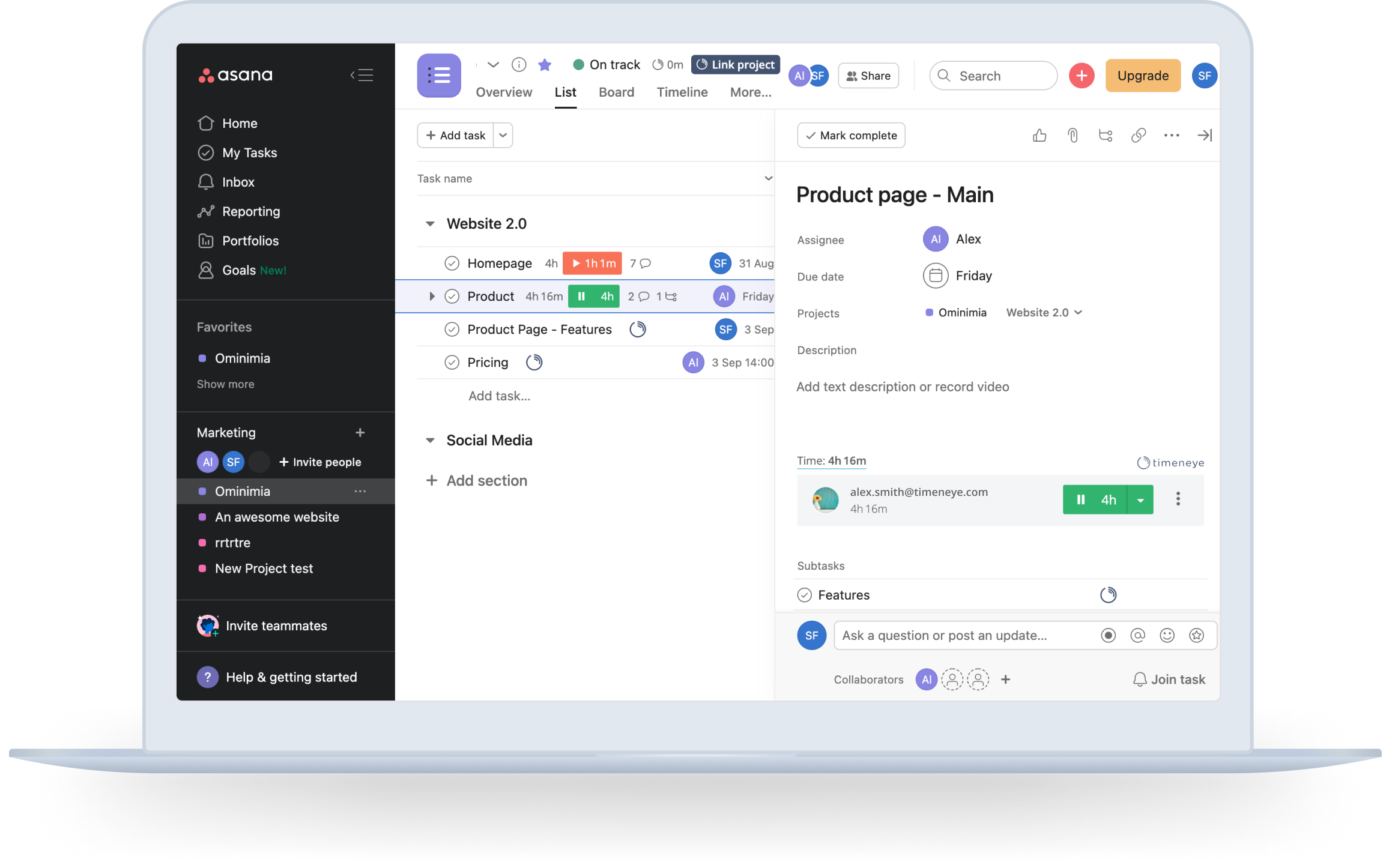
Automate Your Workflows

With Timeneye and Power Automate working together, your time-tracking becomes hands-free and fully integrated with your daily operations, giving you real-time insights and better control over your time.


Timeneye sign up

Sign in to Timeneye

Sign into your Timeneye workspace and automatically add your team members from your Microsoft or Google account in one click.


asana_step 2

Look for the Timeneye Connector in Power Automate

To start using Timeneye with Microsoft Power Automate, simply navigate to the Power Automate platform, search for the Timeneye connector, and select it. From there, you can choose triggers and actions to design workflows that fit your business needs.

 
Asana_step 4-1

Automate Your Workflows

With Timeneye and Power Automate working together, your time-tracking becomes hands-free and fully integrated with your daily operations, giving you real-time insights and better control over your time.


Timeneye can be customized for any team size or industry

 
TRUSTED BY 800+ COMPANIES IN 50 COUNTRIES, SINCE 2013

What our customers say

  • "70 employees in different roles (project management, account management, sales, sw development, testing, etc.) can easily book their times. Very intuitive and therefore very little training for new members (users) needed."

  • “I spent a couple of months researching and testing different software solutions for simple time tracking with automatic calendar events capturing for our team in Europe, and Timeneye turned out to be the best solution we tested. It's simple; it is not filled with hundreds of useless settings and has exactly what you need very quickly..”

  • “I love Timeneye. I use it every day; it allows me to have real control of my time with my clients. Without data, we cannot make the right decisions for our businesses, and time is our most valuable resource. Useful, practical reports. Incredible”

  • "It works in Windows 10 & Android with very little difference in UI except for project set-up and the automatic save order. Has been surprisingly stable from the beginning on both platforms. Has enough built-in levels to deal with my industry of architecture and phasing of a project."

  • "My daily workflow relies on tracking time spent on tasks registered in third-party services (moved from Trello to Wunderlist, and to then Todoist when Wunderlist was killed by MS). Timeneye provides a very convenient integration with all of these services, and it allows clicking a single button to start/stop time for a particular task."

  • “It is easy to use to track my time. When I invoice clients, it helps get a quick tally of my monthly hours. I like the simplicity of Timeneye, and I trust it. That is essential when my income is based on billable hours."

Your time is priceless, take better care of it

Start managing your time in Timeneye with a 30-day trial.